
Leboncoin has been offering shipping via Mondial Relay for transactions between individuals for several years. The process seems simple in theory: the buyer pays, the seller generates a label, and then drops off the package at a relay point. In practice, the shipping slip step concentrates a good portion of the issues reported by users, including incompatible printing formats, temperamental browsers, and sometimes long generation delays.
Generating the Mondial Relay shipping slip from Leboncoin: what’s really blocking?
The shipping slip (or shipping label) becomes available in the “My Sales” section of Leboncoin once the buyer’s payment is confirmed. A button allows you to download a PDF file containing the label to attach to the package.
The first common problem is a variable delay between the confirmation of payment and the appearance of the download button. This delay, sometimes just a few minutes, can extend further depending on server load. Reloading the page or logging out and then logging back in often suffices to unblock the situation.
The second point of friction comes from the browser. Some mobile versions of Chrome or Safari block the opening of the PDF or redirect it to an integrated viewer that does not allow direct printing. Using a desktop computer remains the most reliable method to retrieve the file without corruption. A detailed guide on printing the Mondial Relay shipping slip on Leboncoin covers these scenarios with step-by-step screenshots.
Printing format and barcode readability
The Mondial Relay label contains a barcode scanned at the relay point to register the drop-off. If this code is blurry, truncated, or printed too small, the relay may refuse the package or the scanner may fail, delaying the shipment.
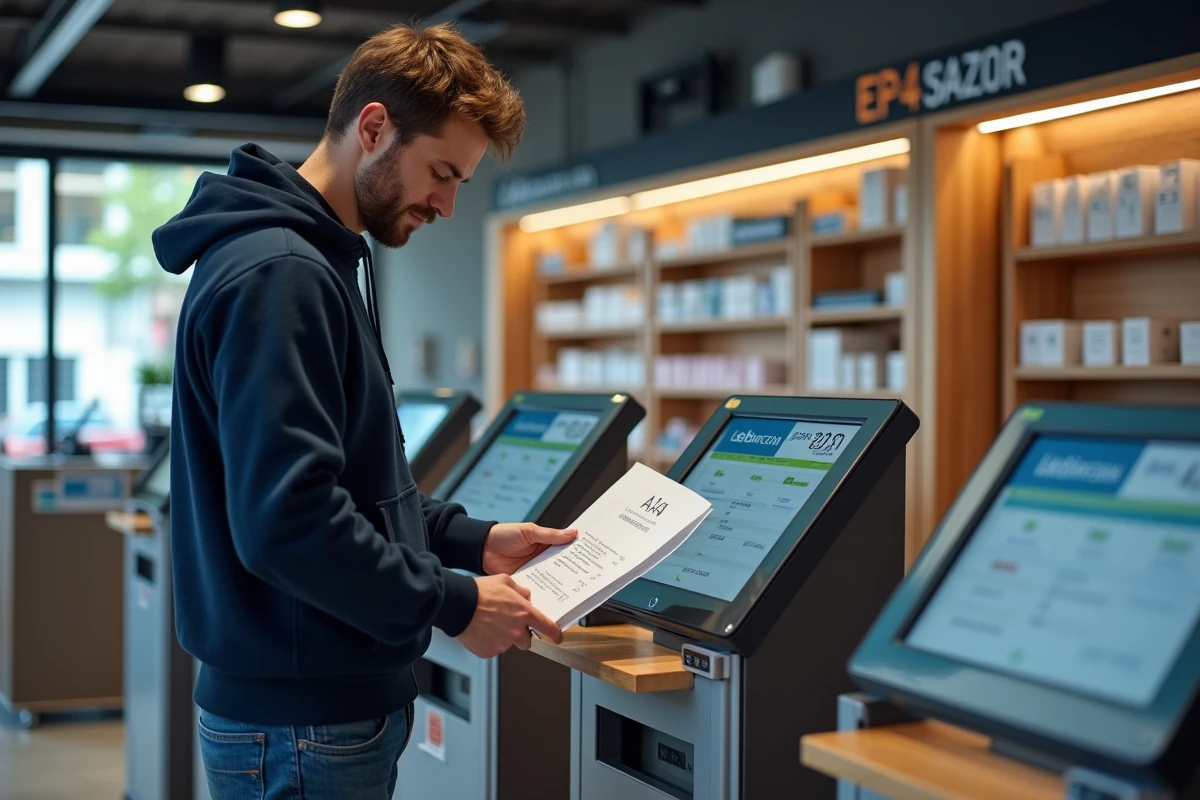
Several parameters influence print quality:
- The paper format must match that of the PDF (usually A4). Changing the scale in the print settings, even unintentionally, distorts the barcode and makes it unreadable.
- The “Fit to Page” option in the print dialog must be disabled. The PDF should print at actual size without scaling; otherwise, the dimensions of the barcode will no longer match optical reading standards.
- A laser printer produces a sharper output than a low-end inkjet, especially for barcodes. If the ink smudges or the lines blend, the relay point scanner will not be able to read the label.
- In the absence of a printer, some office supply stores or municipal libraries allow you to print a PDF from a USB stick for a small fee.
A barcode printed at 100% of its original size is the determining criterion. Everything else (paper quality, color) has less impact than adhering to the scale.
Inaccessible Mondial Relay slip: diagnosing the issue
When the download button remains grayed out or the PDF does not generate at all, the possible causes fall into two categories.
Issue on the Leboncoin side
The secure payment has not yet been finalized. The buyer may have initiated the transaction without fully validating it (for example, abandoning during bank authentication). In the integrated messaging space, the order status indicates whether the payment has been successfully processed. As long as the status does not display “Payment confirmed”, no shipping slip will be generated.
Issue on the browser or device side
A pop-up blocker may intercept the opening of the PDF. Browser extensions related to security or privacy sometimes block third-party domains used by Mondial Relay to generate the label. Temporarily disabling these extensions or using a private browsing window allows you to test this hypothesis.
On mobile, the Leboncoin app sometimes manages the generation of the slip better than the mobile site via browser. However, printing from a phone remains complicated without a compatible Wi-Fi printer or without using a cloud service (Google Cloud Print having been discontinued, it often requires using the manufacturer’s proprietary app).
Attaching the label and dropping off the package at the relay point
Once the slip is printed, it must be securely attached to the package. Wide transparent tape, applied over the entire surface of the label, protects against moisture and friction during transport. Covering the barcode with tape does not hinder optical reading, provided the adhesive tape is smooth and free of air bubbles.
The label must be affixed to the widest face of the package, flat. A folded or crumpled slip on an edge will be difficult to scan. If the package is recycled packaging, cover or remove any old shipping labels to avoid confusion during sorting.

At the relay point, the merchant scans the barcode and provides a deposit receipt (paper or digital). This receipt serves as proof of shipment. Keep this proof until the end of the transaction on Leboncoin as a basic precaution: in case of a dispute over the receipt of the package, it is the only document that attests to the actual drop-off.
Shipping time and consequences of an unused slip
Leboncoin imposes a deadline for shipping the package after payment validation. After this deadline, the transaction may be automatically canceled, and the buyer refunded. The generated slip then becomes invalid.
If an unforeseen event prevents timely shipping, contacting the buyer via the integrated messaging system to agree on a solution remains the most direct course of action. An expired slip cannot be reprinted: a new transaction would need to be initiated, which involves a new secure payment from the buyer.
Field reports vary on this point, with some sellers reporting being able to extend the deadline by contacting Leboncoin support, while others indicate a systematic refusal. The interface does not offer a self-service extension button.
In case of doubt about the validity of a slip or the remaining time, the “Help” section of Leboncoin and the Mondial Relay tracking accessible from the tracking number allow you to check the status in real-time. It is better to print and drop off the package as soon as the slip is received to avoid any unpleasant surprises related to expiration.